

Localization in SalesRender
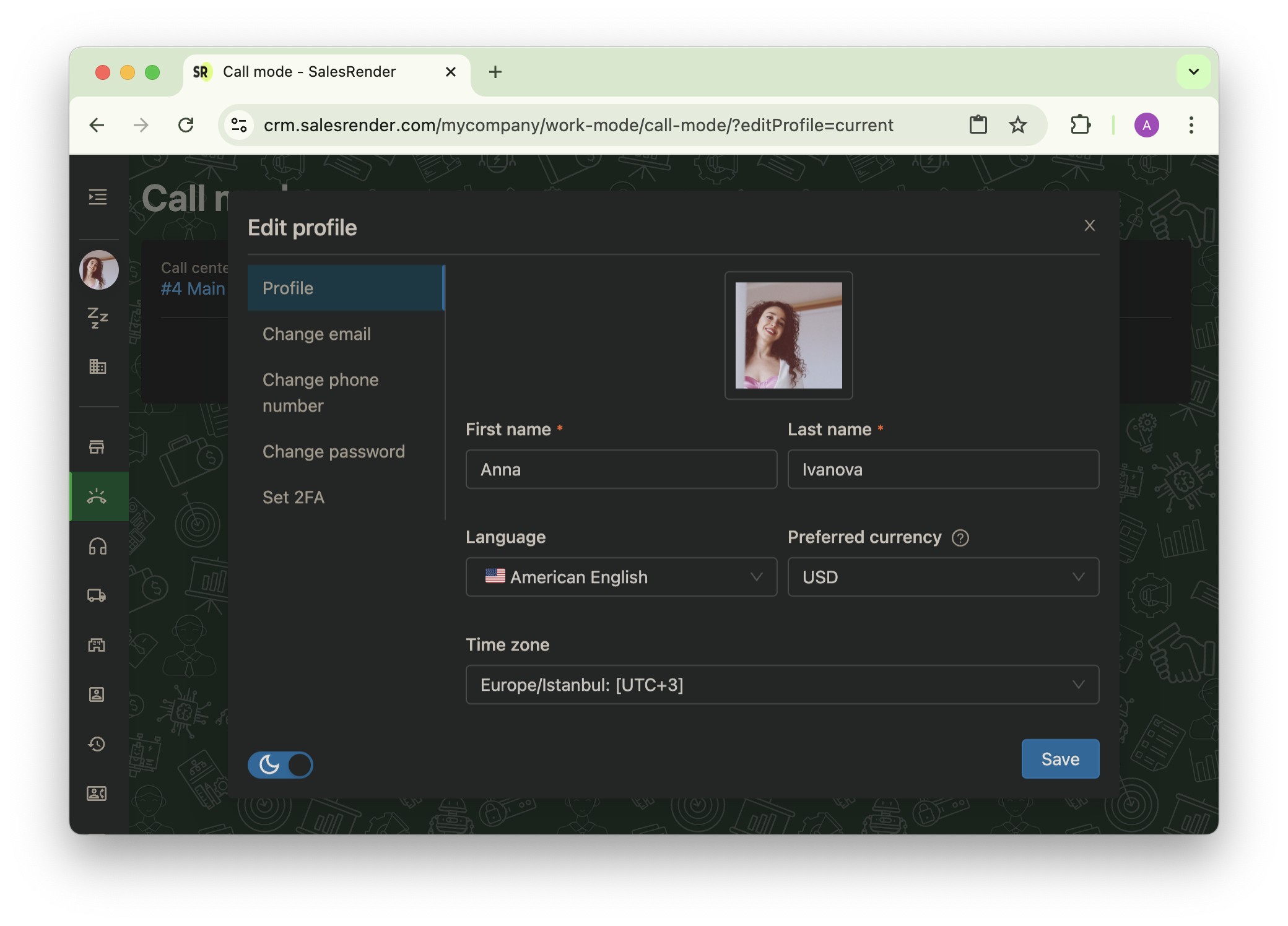
SalesRender allows every employee to easily adapt the interface to their needs: language, currency, and time zone — all can be set individually.
Let’s explore how localization works and why it matters.
 Interface Language
Each team member can choose their preferred interface language.
The CRM is now available in 7 new languages:

Greek Spanish
 French
 Romanian
 Bulgarian
 Czech
Czech Hungarian
Want to add a new language or found a translation error? Just let us know — we’ll fix it fast 
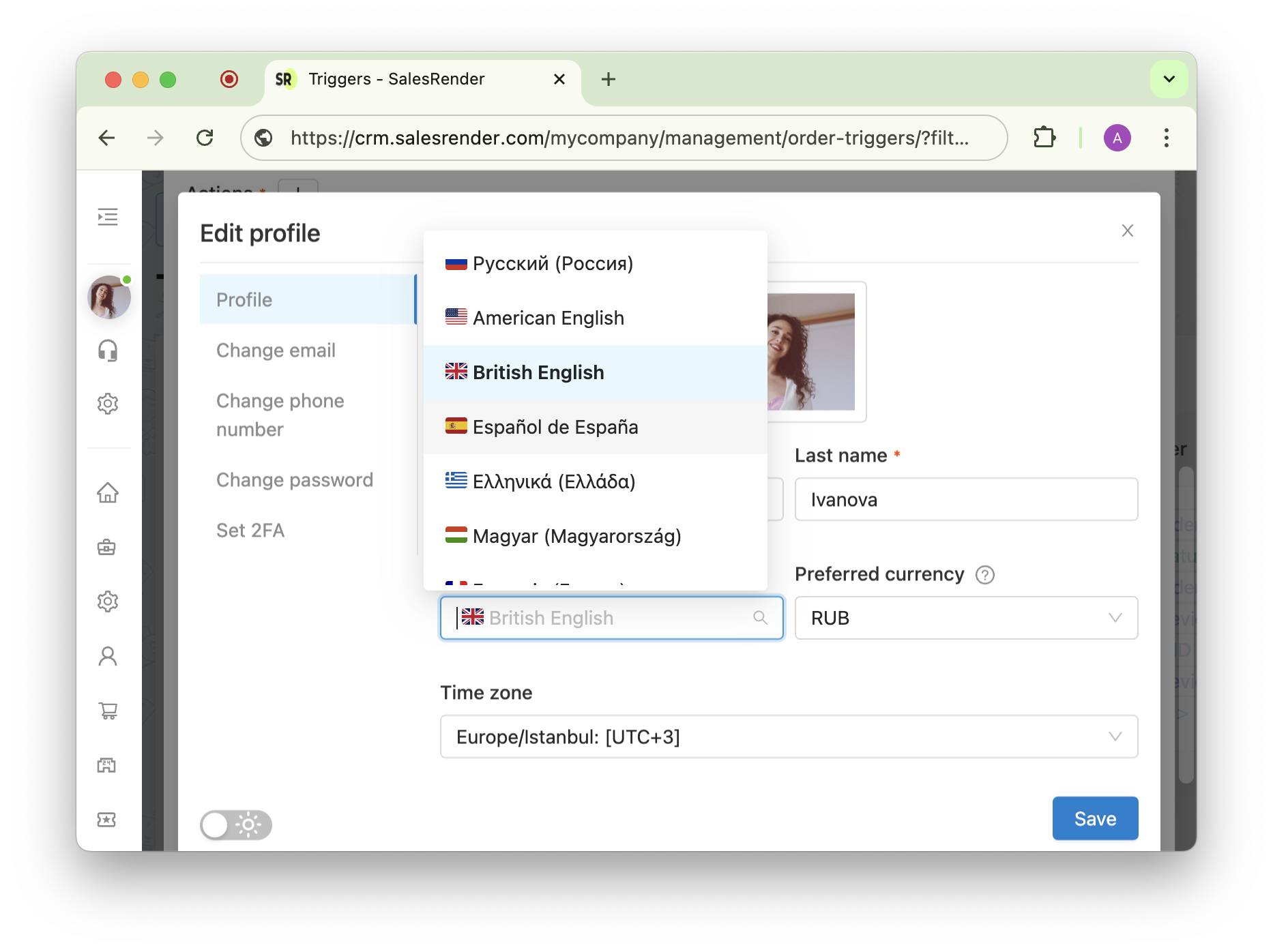
 Currency: Personal and Corporate
Working with a different currency? No worries.
Employees can see all amounts in both the company’s currency and their own. It’s convenient and transparent — they stay aligned with the team while using a familiar format.
 Time Zone
Working from another region?
Simply set your local time zone, and:
- All dates and times in CRM will be adjusted automatically
- Lead logs and stats will stay accurate
- No more confusion in schedules
And if you prefer working in the evening — just switch to dark mode 
 Summary
SalesRender’s localization features make collaboration easier for distributed teams.
Every employee can tailor the system to feel at home — and stay focused on what really matters.
Our support team will help you configure everything and walk you through the CRM features!
Subscribe to our Telegram channel to stay up to date.
Have questions? Contact our CEO Anna directly.
Thank you for being with us